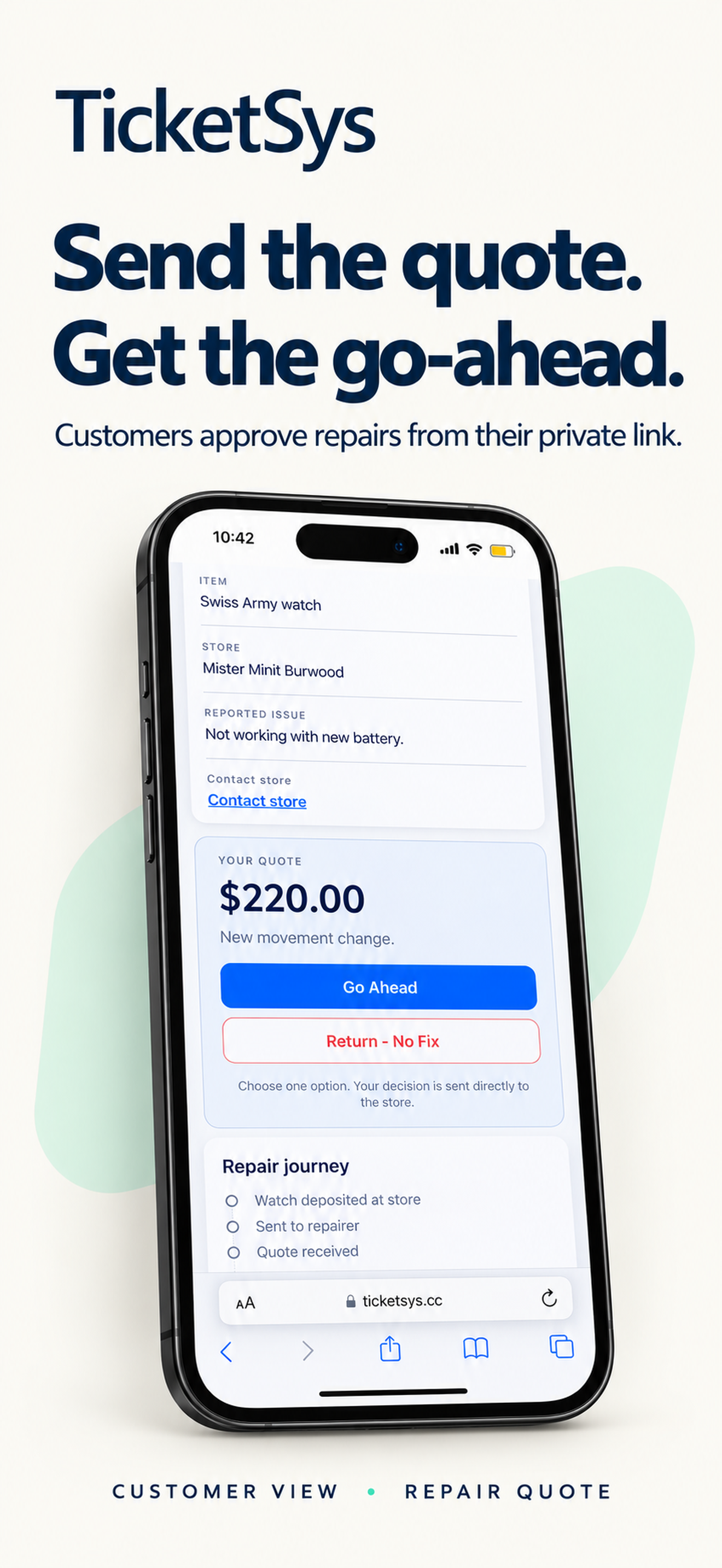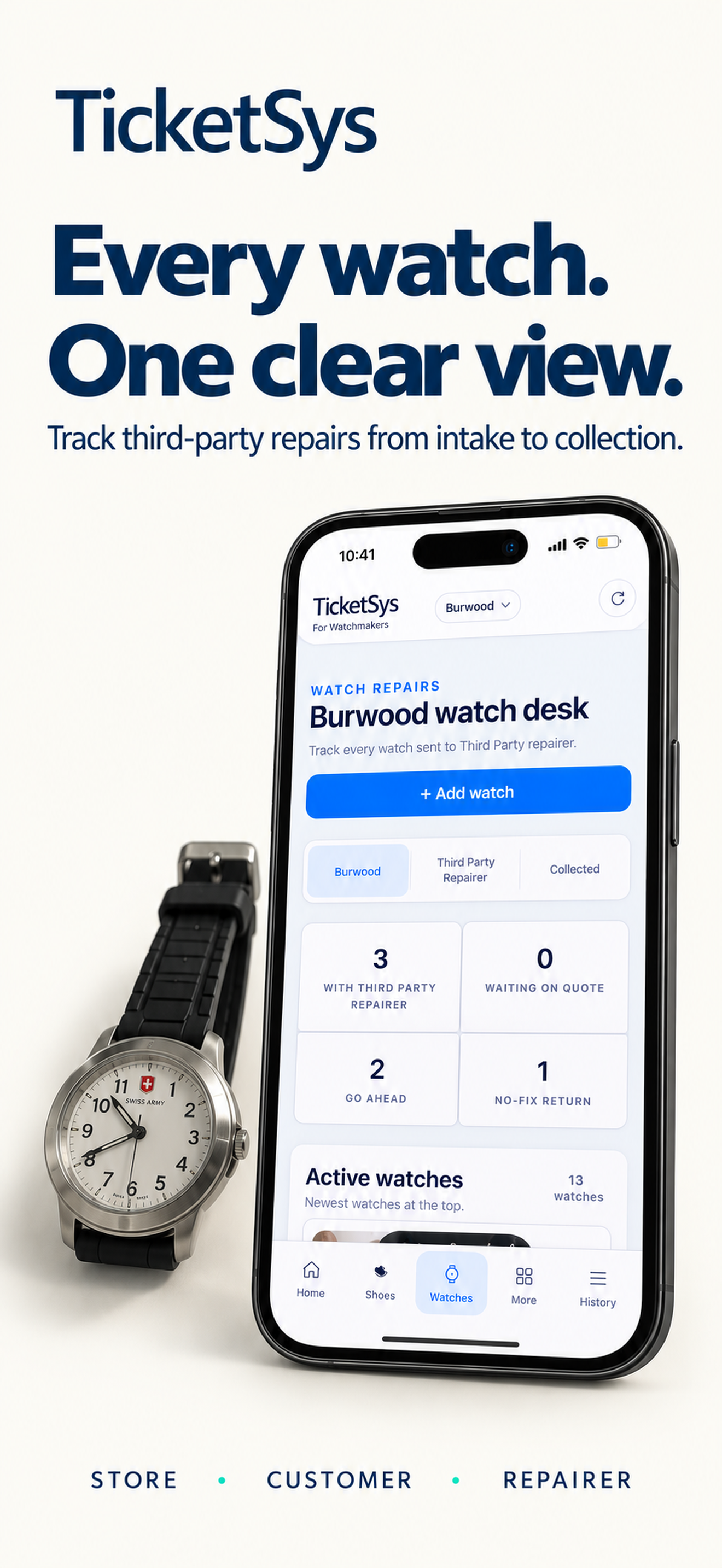
Retail service workflow

Every repair.
Every update.
One clear workflow.

Turn paper dockets into a live store workflow for shoes, watches and everything in between.

Download TicketSys on the App Store
TicketSys job recordVerified
Demonstration · no customer record

Ready for collection

CustomerAlex Morgan
DocketTS-DEMO-2048
Next actionVerify and update

Interface example based on the existing Shoes workflow

One shared view
From paper pressure to shared visibility.

TicketSys gives store teams one place to capture work, confirm the details and keep the next action visible. Customers receive only the update their store chooses to send.

Docket in. Job card out.

Paper stays familiar.
The workflow becomes clear.

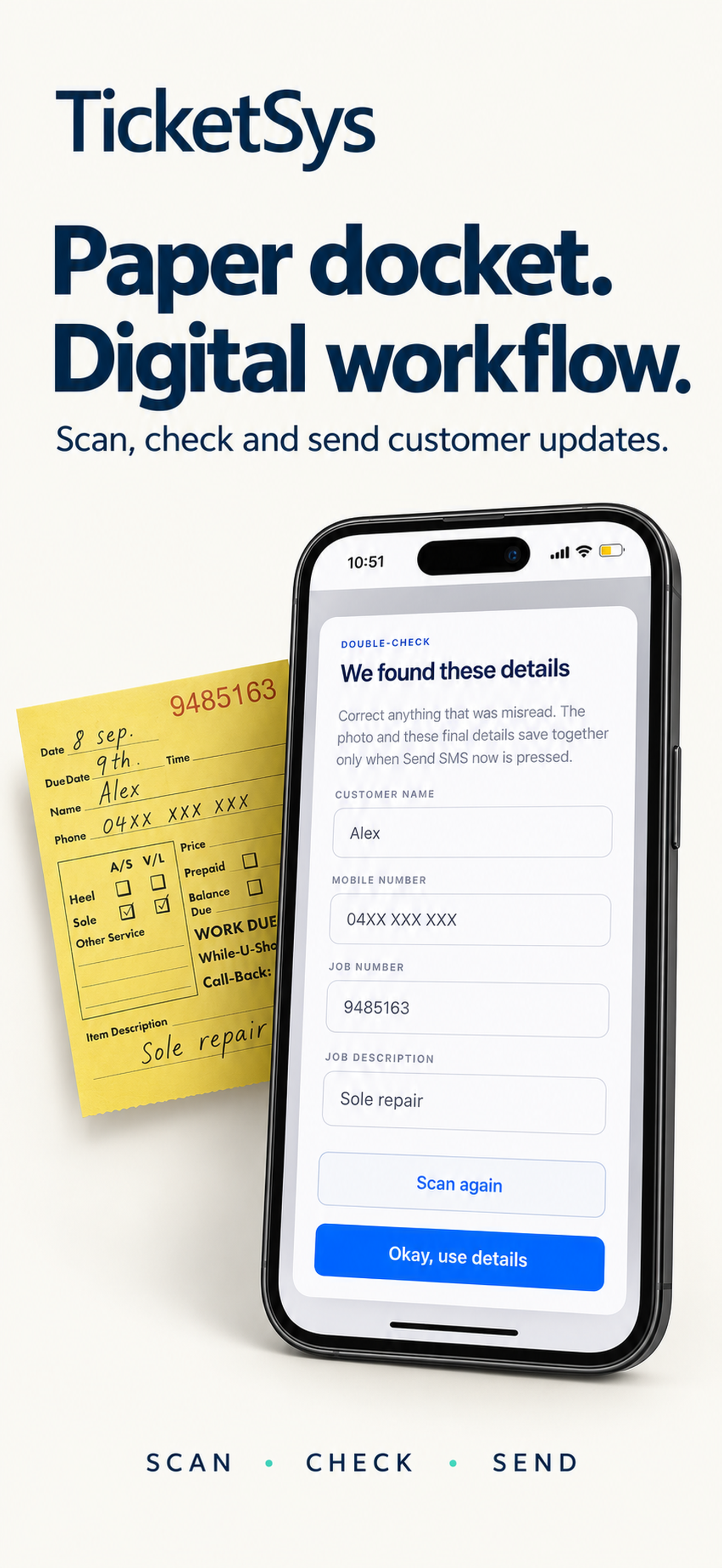
A staff member scans the yellow docket or enters the details manually, verifies the result and continues inside the correct store workspace.
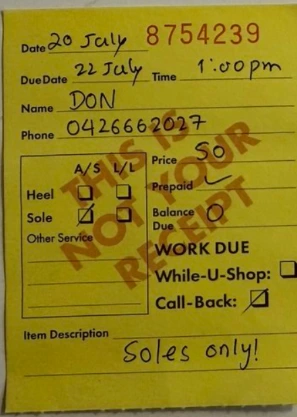
An upright handwritten yellow service docket used as demonstration media
Verified digital record

Collection docket

Ready
CustomerDemonstration customer
Work typeShoes
Docket numberTS-DEMO-2048
Next actionConfirm customer update
Job statusAwaiting collection
Store scopeAuthorised team

Clearly labelled demonstration data · no live customer record

Three real workspaces

The right workflow for the work in hand.

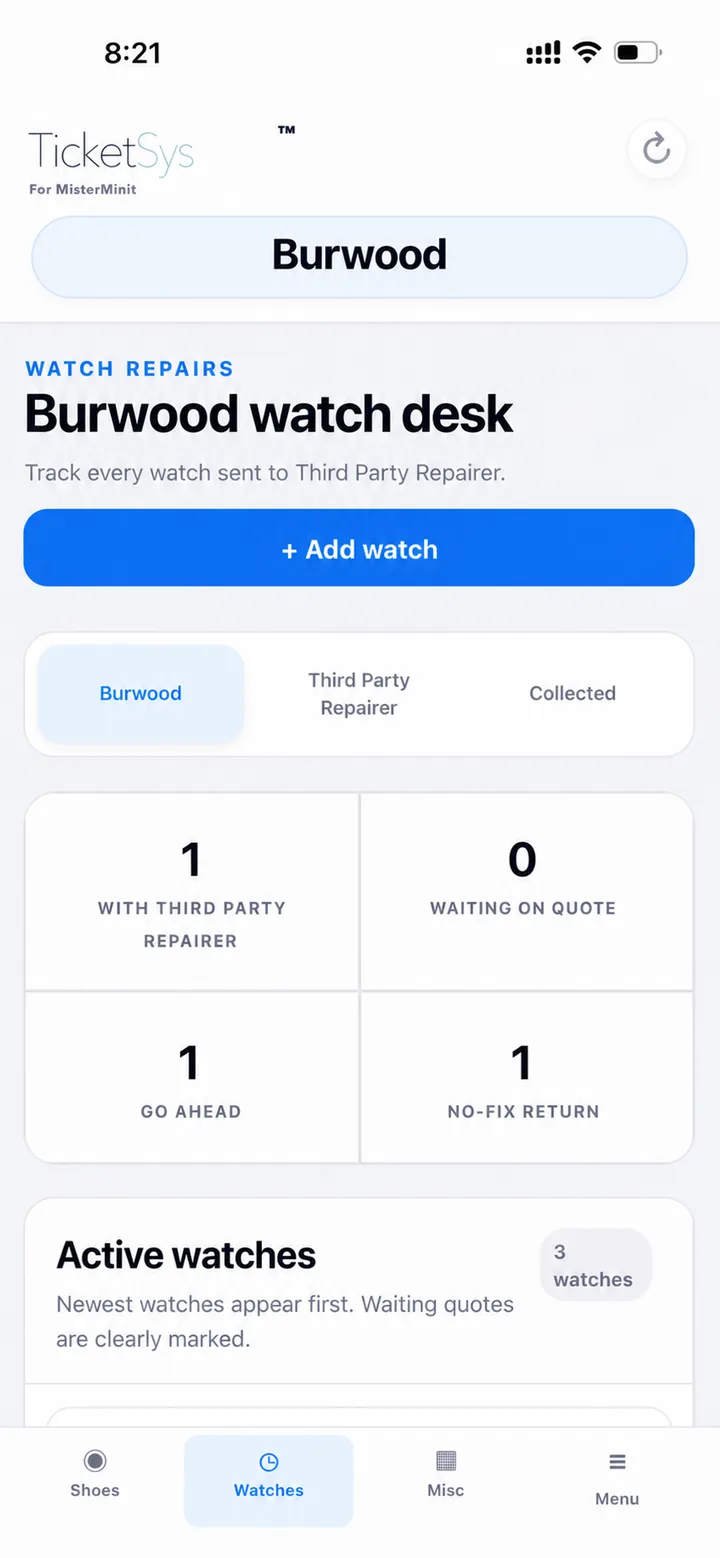
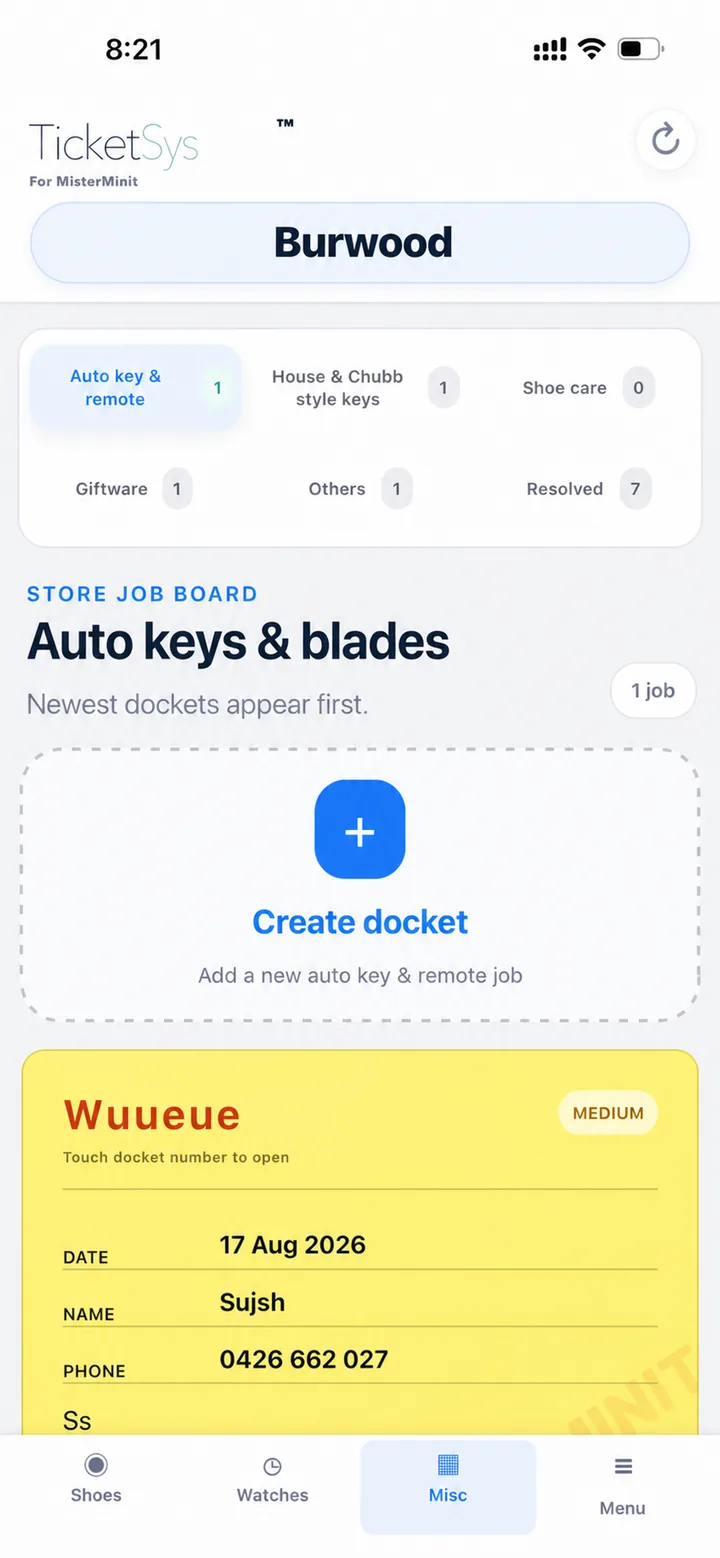
Shoes

Capture the docket, check the customer details and prepare a controlled collection update.
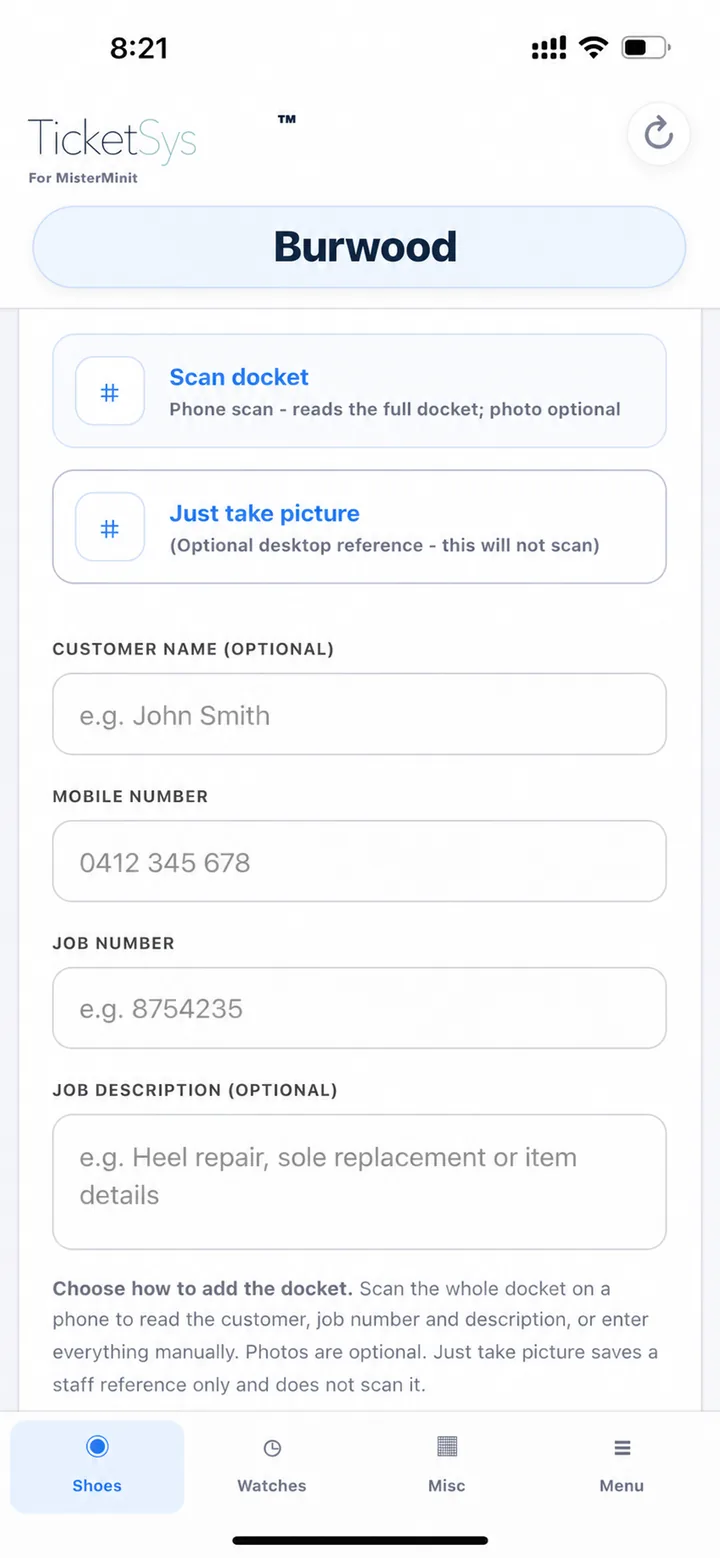
  • Docket scanning or manual entry
  • Customer verification before sending
  • Collection updates and private links
  • Collection and job history
Real TicketSys Shoes docket scan screen
Real TicketSys app screen
Customer experience

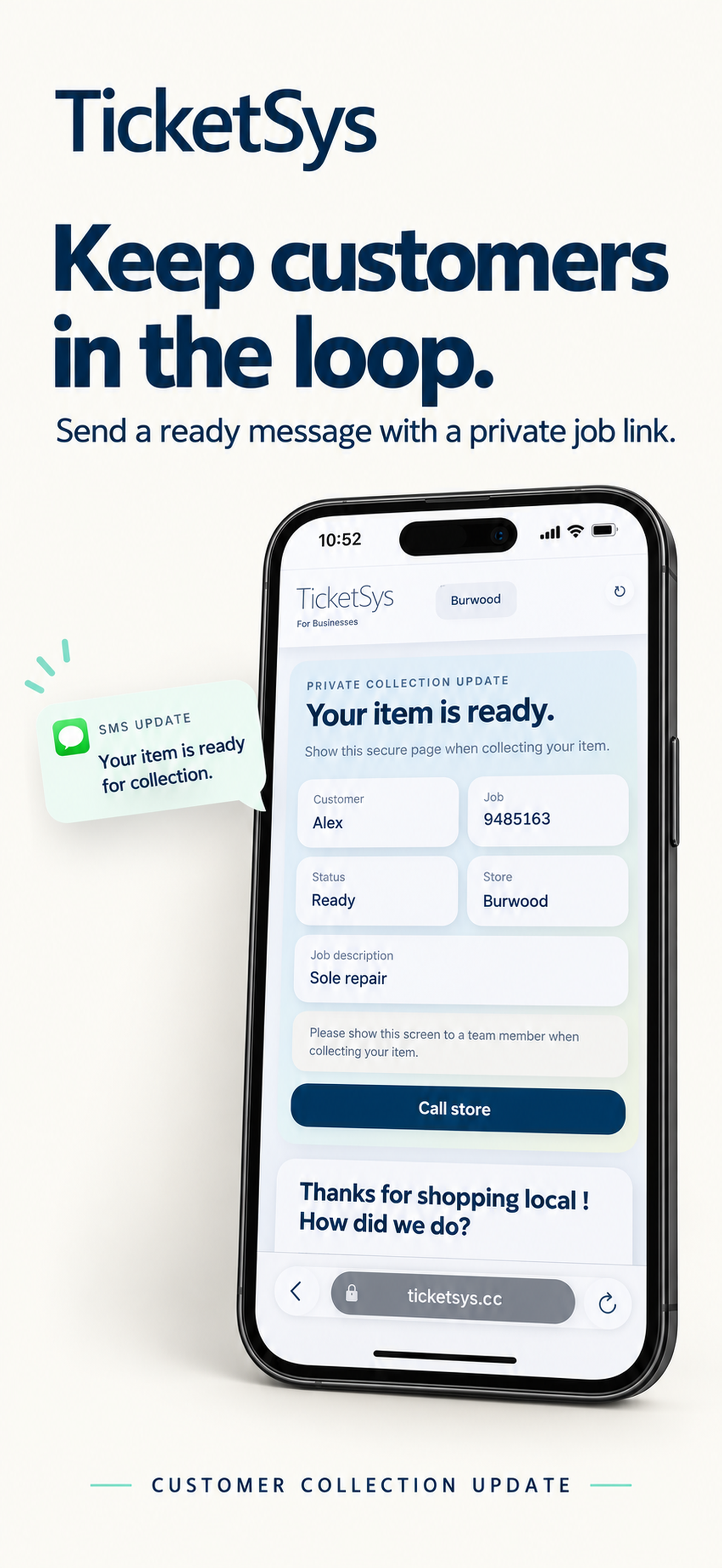
No account. No app. One private job link.

The store controls the update. The customer receives a private TicketSys link for the relevant collection or quote information.

  • Customers do not create an account
  • Customers do not need the TicketSys app
  • Quote and collection information can appear in the link
  • Completed pages may show the store's configured review link and next-visit offer
Private collection update

Your item is ready.

Show this page when collecting your item.

CustomerAlex Morgan
JobTS-DEMO-2048
StatusReady for collection
StoreDemonstration store
Demonstration only · no live customer information
Assigned-store viewScoped access
Store workspacesAssigned stores onlyVisible
Searchable job historyShoes, Watches, MiscAvailable
Photos and updatesOperational recordConnected
ReportingAuthorised scopeExportable

Capability view · no fabricated operational totals

Team and manager visibility

The team works. Assigned managers can see.

Store-scoped access, assigned manager visibility, searchable history, photos, customer updates and operational reporting remain separated from unrelated stores.

Anonymous live activity

A network signal, without customer details.

These totals come from the existing aggregate data source. Names, mobile numbers and individual docket records are never published here.

TicketSys aggregate activityLive connection
LoadingJobs recorded
LoadingActive stores
LoadingWatch repair records
LoadingShoe collection dockets
Loading awaiting collection
Loading special jobs
Loading public reviews

Connecting to the live aggregate service.

The daily flow

Four controlled steps.

01

Capture the job

Scan the docket, add a photo or enter the details manually.

02

Verify the details

Check the customer, mobile and job information.

03

Update the customer

Prepare the store message and private job link.

04

Complete and retain

Record collection and retain the authorised store history.

Regional pricing

Try it. Then choose your plan.

Early-access pricing for the first 21 approved physical stores: 20% off the first 12 paid months. The 21-day free pilot is separate.

One payment. A full year sorted. Yearly payment is 12 times the monthly rate, with no additional discount.

Temporary pilot access: try TicketSys free for 21 days from activation. Continued access requires a paid plan at the advertised price. No card is required and no automatic charge will be made. IT may suspend unpaid access after the pilot; store records are preserved.

Prices are per physical store and exclude applicable GST. Select monthly or yearly payment; SMS allowances renew monthly. SG/MY pricing requires an IT quote before any paid access.

One SMS unit means one provider-billed SMS part. Multi-site quantity is charged per physical store.

One physical store uses one early-access position; a three-store group uses three. The discount applies only to the base subscription, ends after 12 paid months (one yearly term) and cannot be stacked.

Australian and New Zealand accounts, groups and checkouts remain operationally separate.

Available on the App Store

TicketSys Business for iPhone

Store workflow, made simple. The download is free; authorised TicketSys store access is separate.
TicketSys app icon
TicketSysBusiness · iPhone
Requires iOS 16.4 or later
Authorised store teams only
Website registration and billing remain separate
Customers do not need the app
Download TicketSys on the App Store
Questions

TicketSys, explained simply.

What is TicketSys?

TicketSys is a store workflow for paper dockets, Shoes, Watches, Misc jobs, customer updates and authorised manager visibility.

Who can use TicketSys?

Authorised store teams and assigned managers can use TicketSys after their store access has been approved.

Does the customer need the app?

No. Customers receive a private job link from their store and do not need an account or the TicketSys app.

What is included in the monthly subscription?

Each plan includes the TicketSys store workspaces, customer job links, operational history, authorised team access and the plan's stated 350, 500 or 700 SMS-unit allowance.

What is one SMS unit?

One SMS unit is one provider-billed SMS part. Longer messages can use more than one part under the existing configured messaging rule.

Can one group mix Australian and New Zealand stores?

No. Australian and New Zealand accounts, multi-site groups and checkouts remain operationally separate.

Can managers view more than one assigned store?

Yes. A registration can include two, five or more sites, and approved managers can work across assigned stores while unrelated stores remain outside their access.

Where can authorised teams get the iPhone app?

Use the App Store badges on this page. Store registration and billing remain on the TicketSys website.

Bring every job into view.

Register one store or a complete multi-site group for IT review.